TT RGB PLUS 3.0 Software
The new version of Thermaltake’s TT RGB PLUS patented software features a redesigned interface with dynamic lighting effects and PC monitoring functions.
DOWNLOAD SOFTWARE DOWNLOAD USER MANUAL
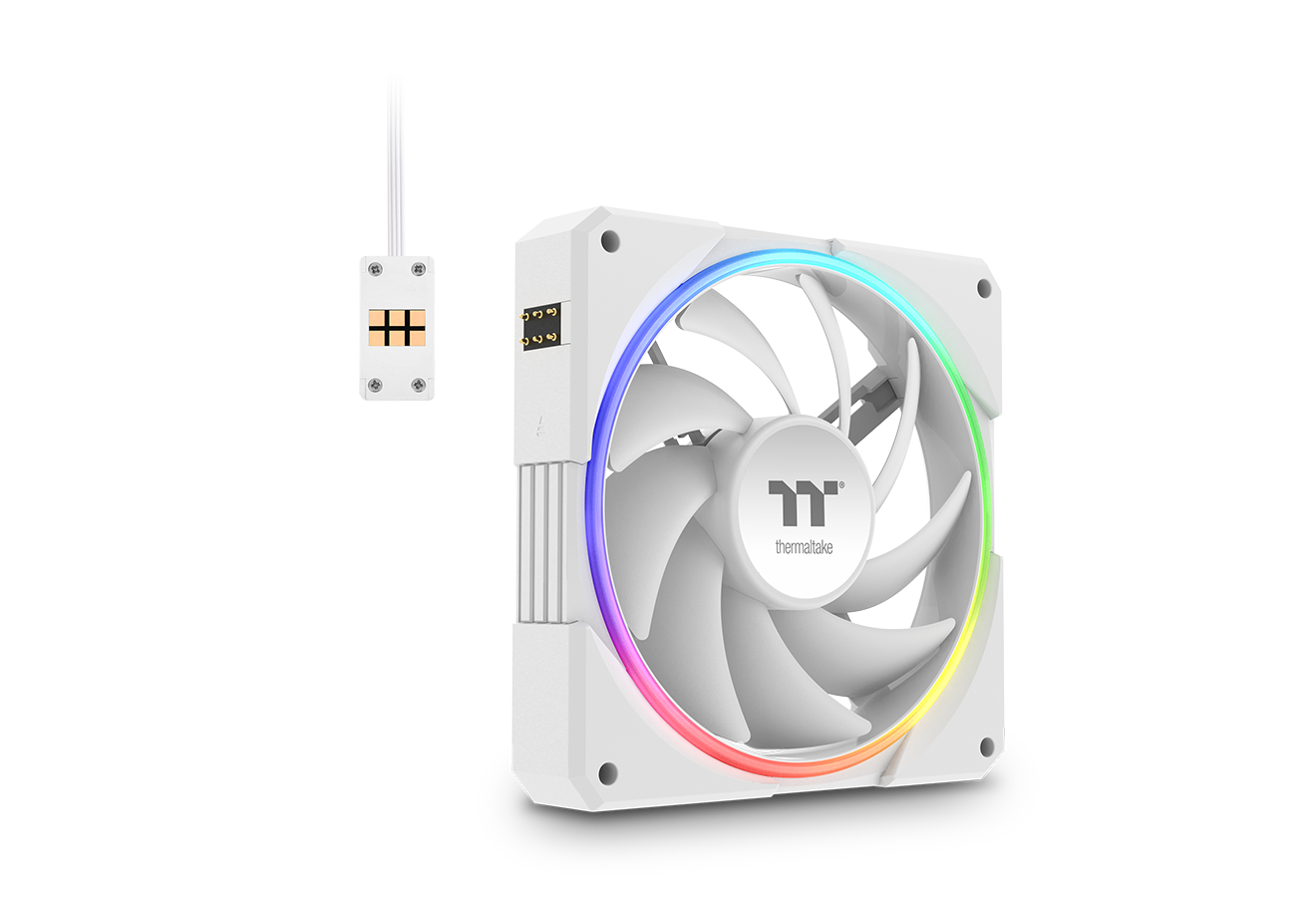
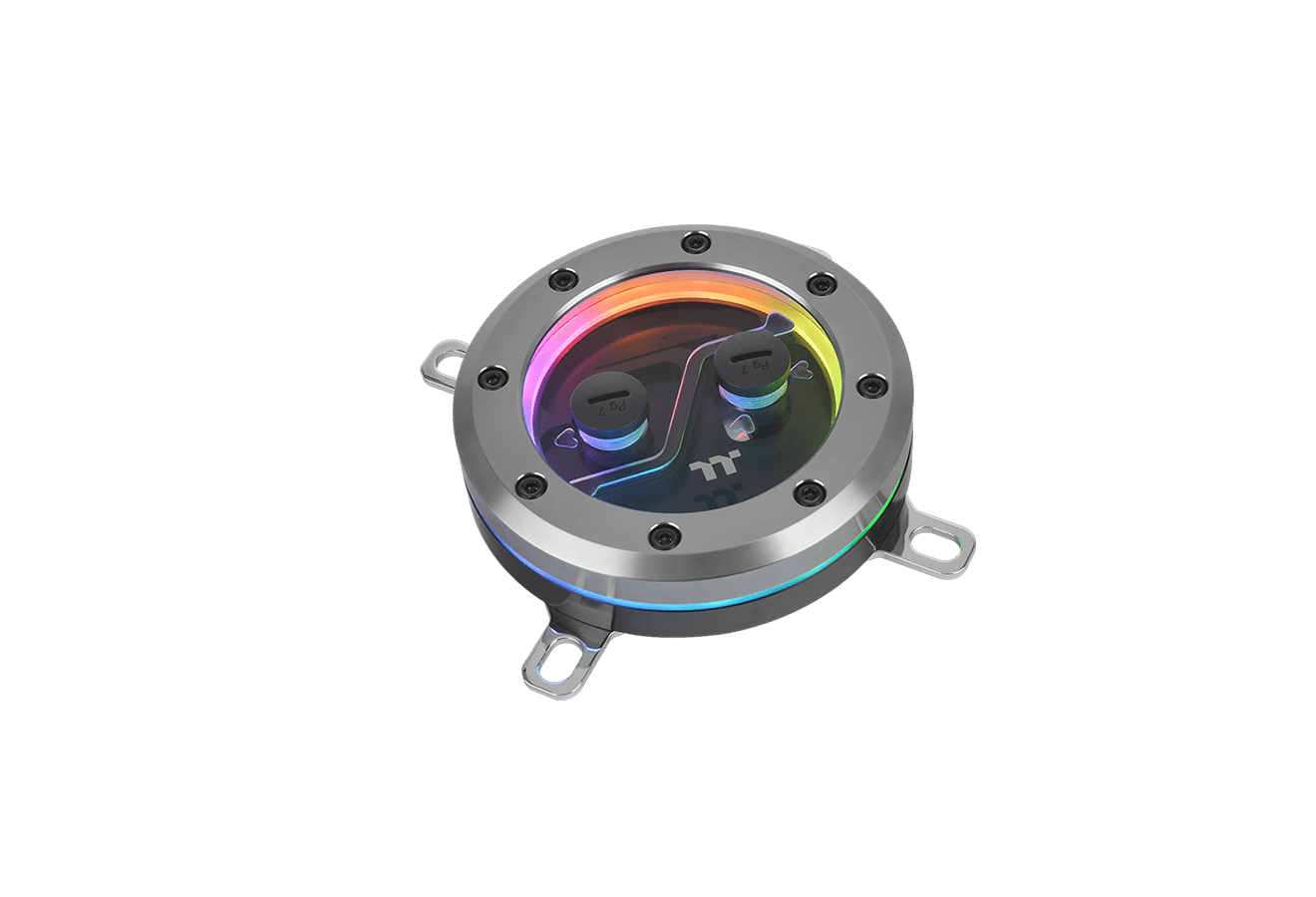
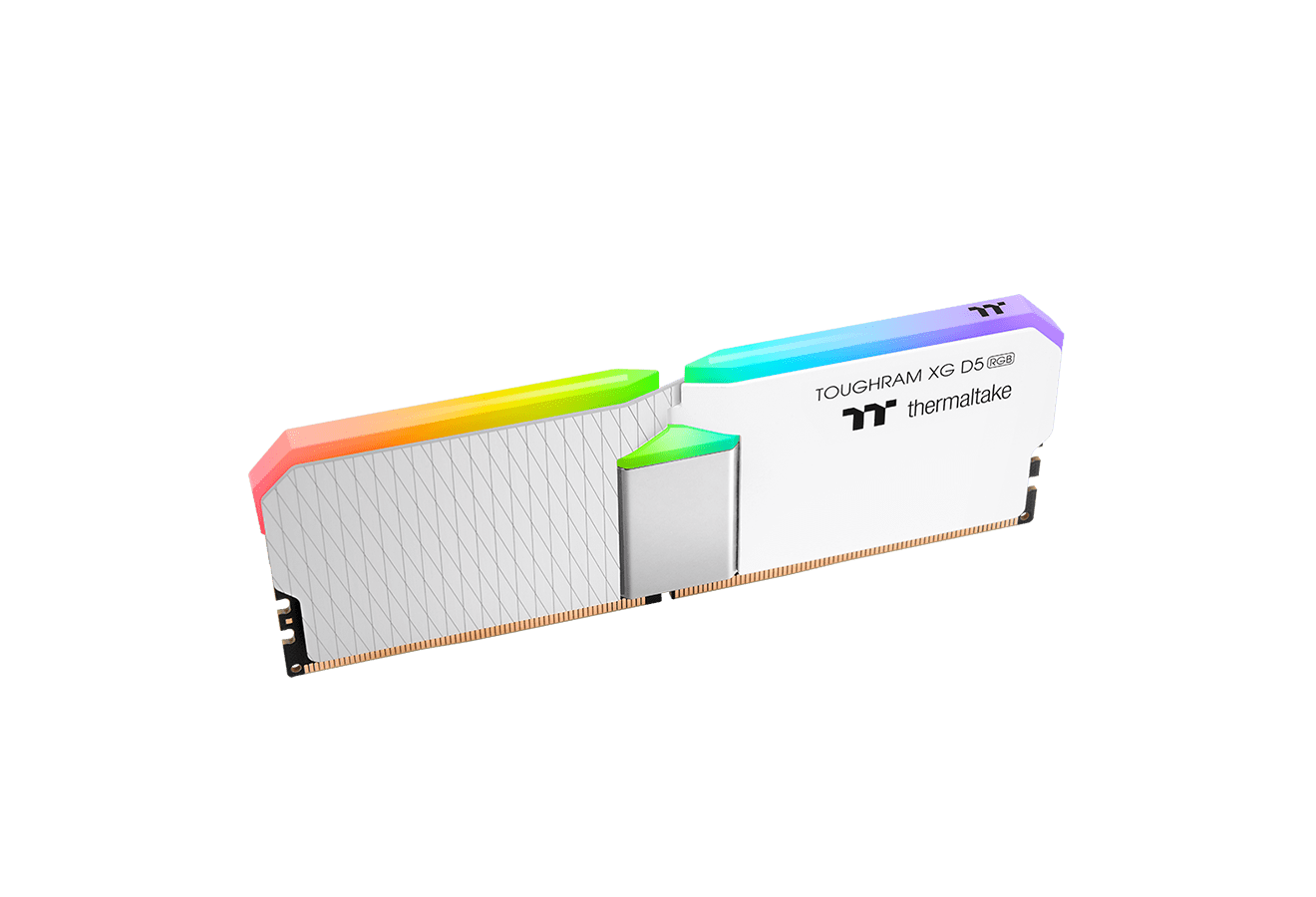
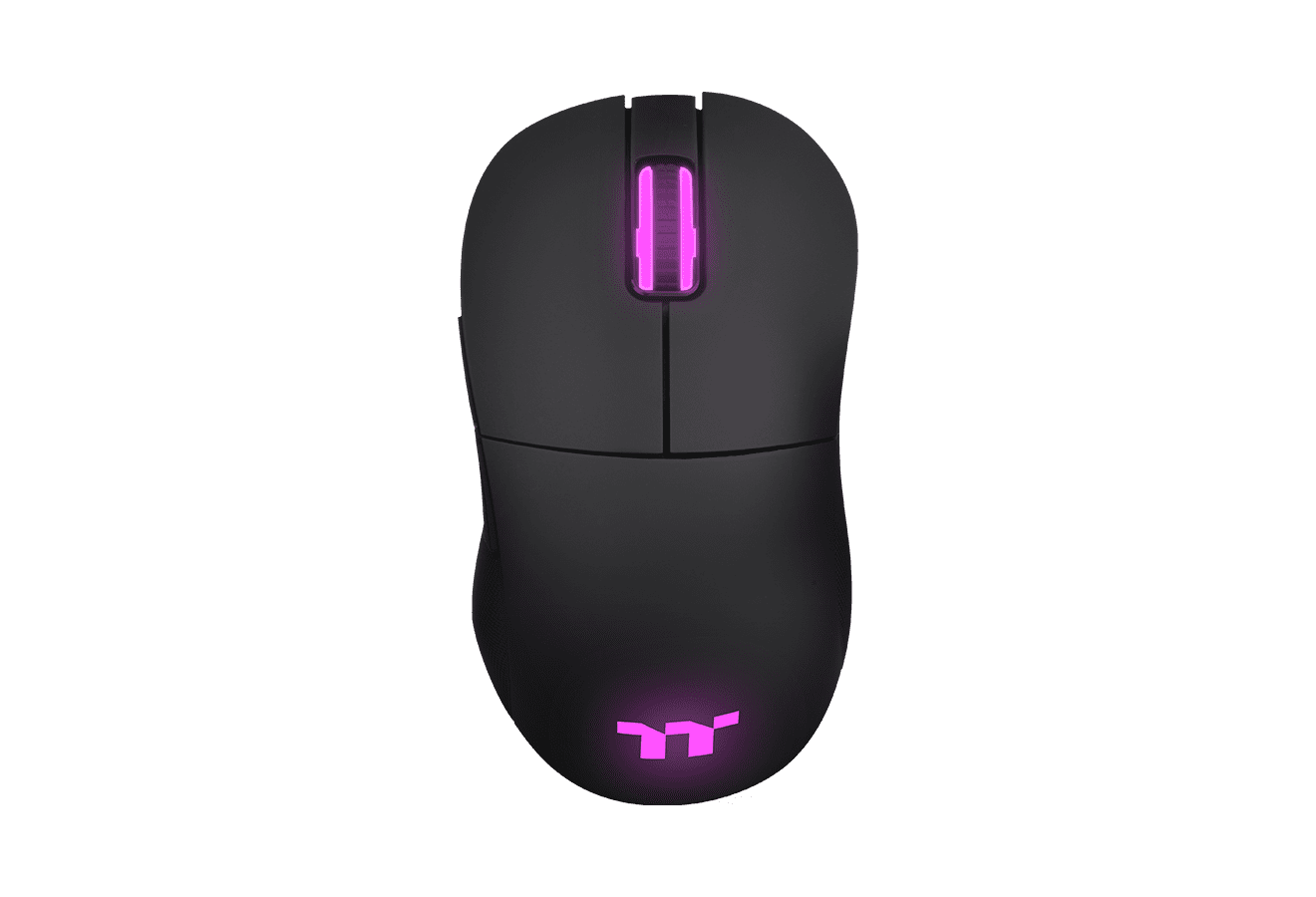
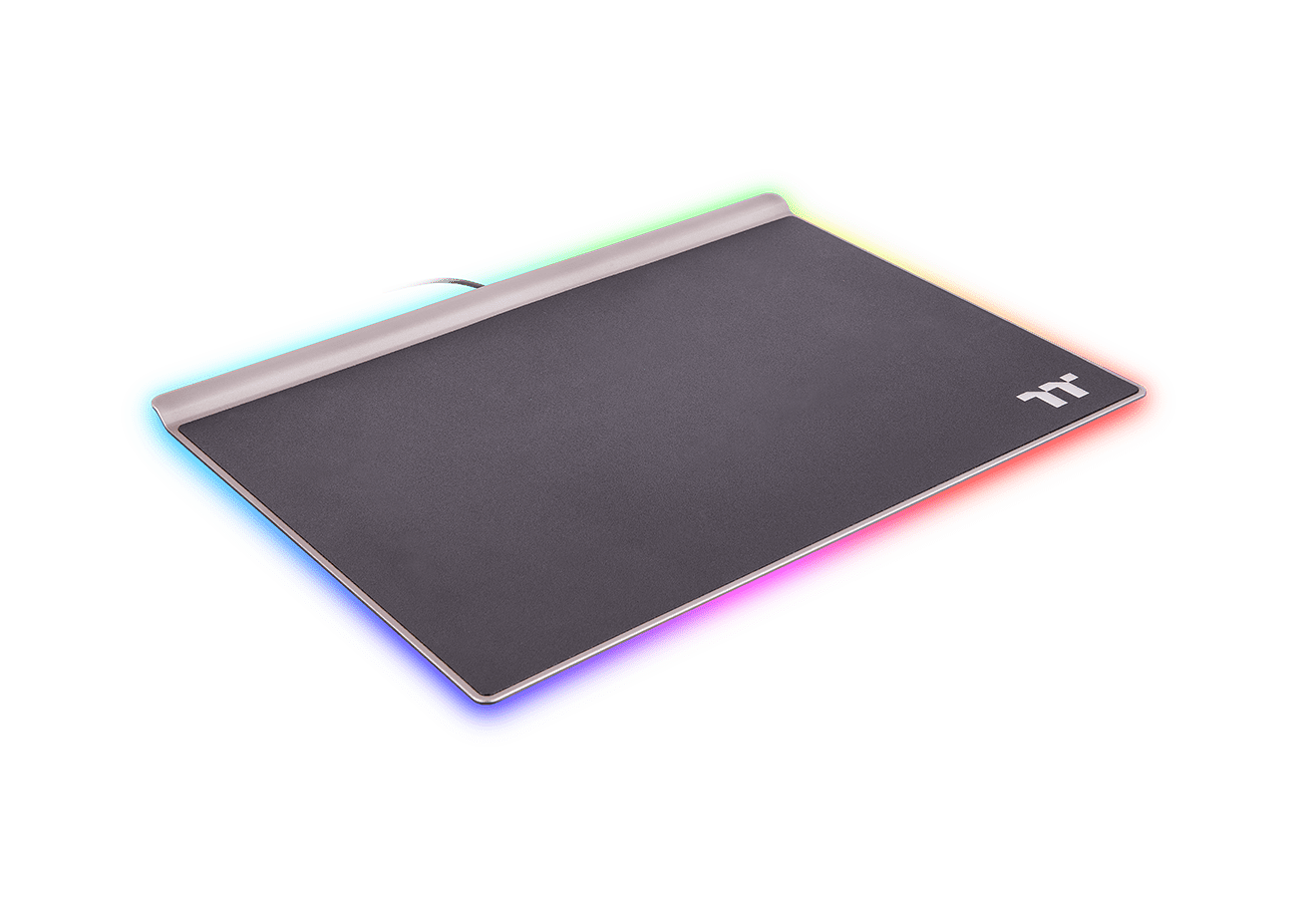
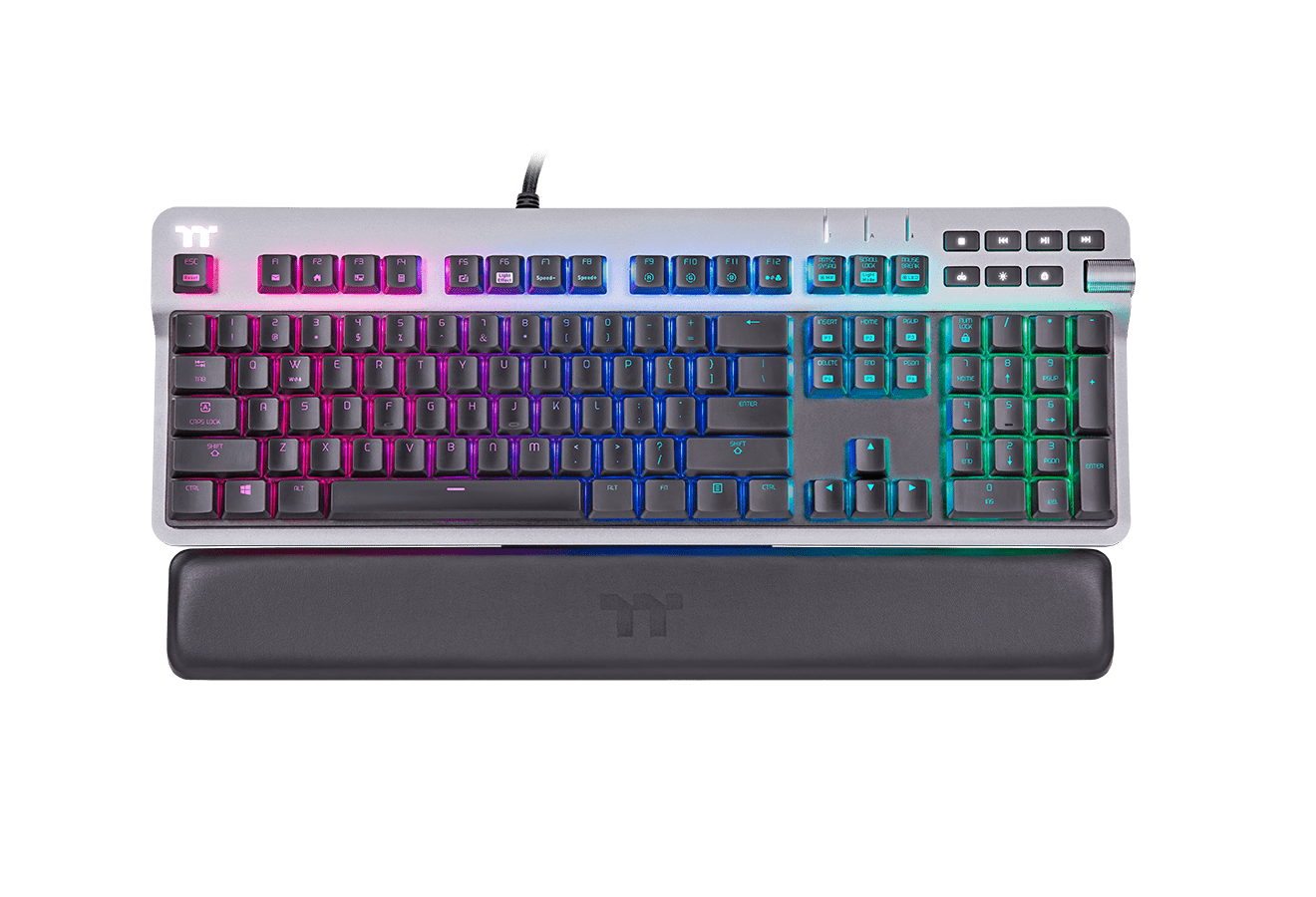
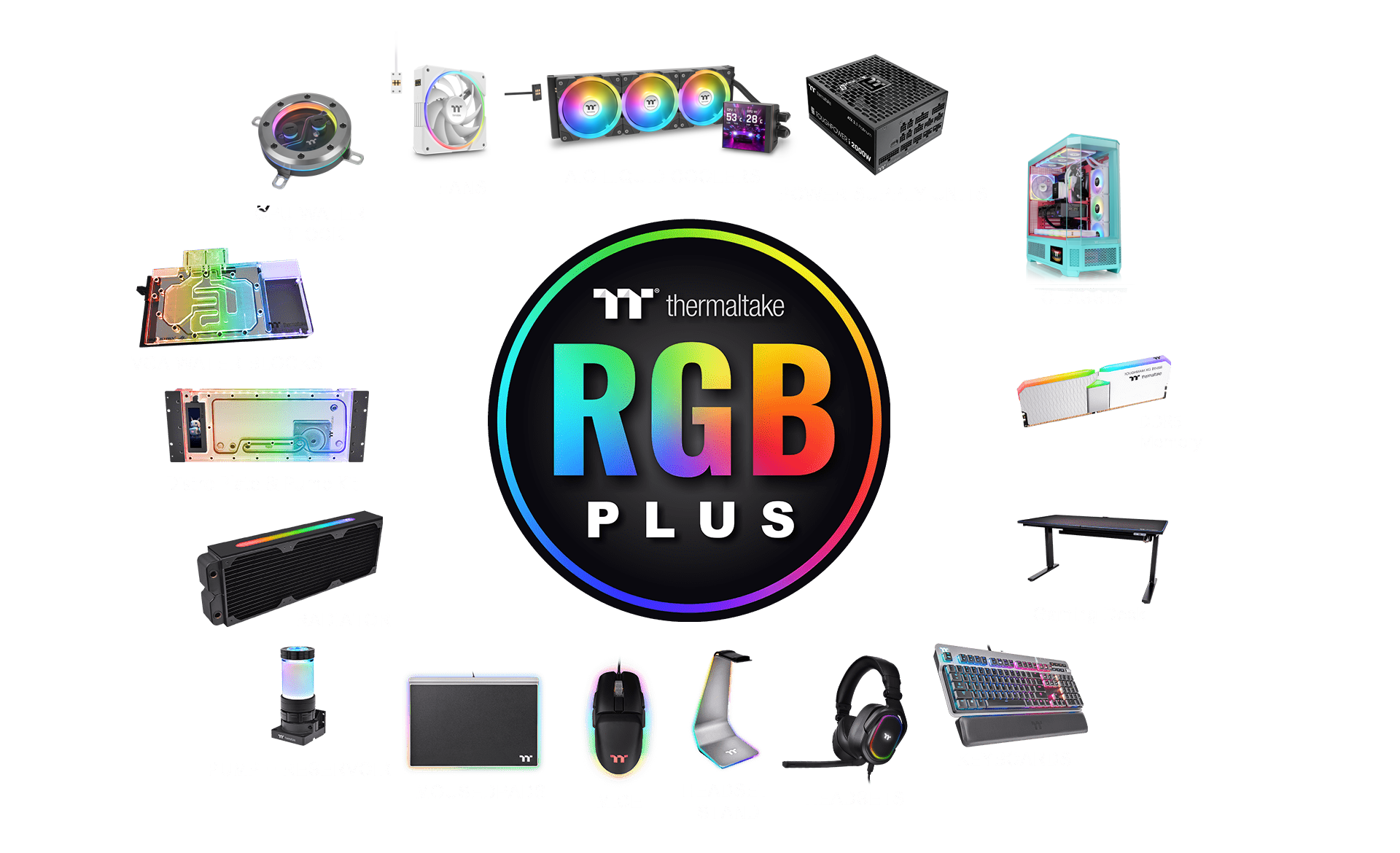
TT RGB PLUS 3.0 is the new all-in-one software that advances the TT RGB PLUS ecosystem by integrating functions from previous software platforms such as TT RGB PLUS, TOUGHRAM software, DPS G App, etc., allowing users to control lighting and monitor system status across multiple products through a single software platform.
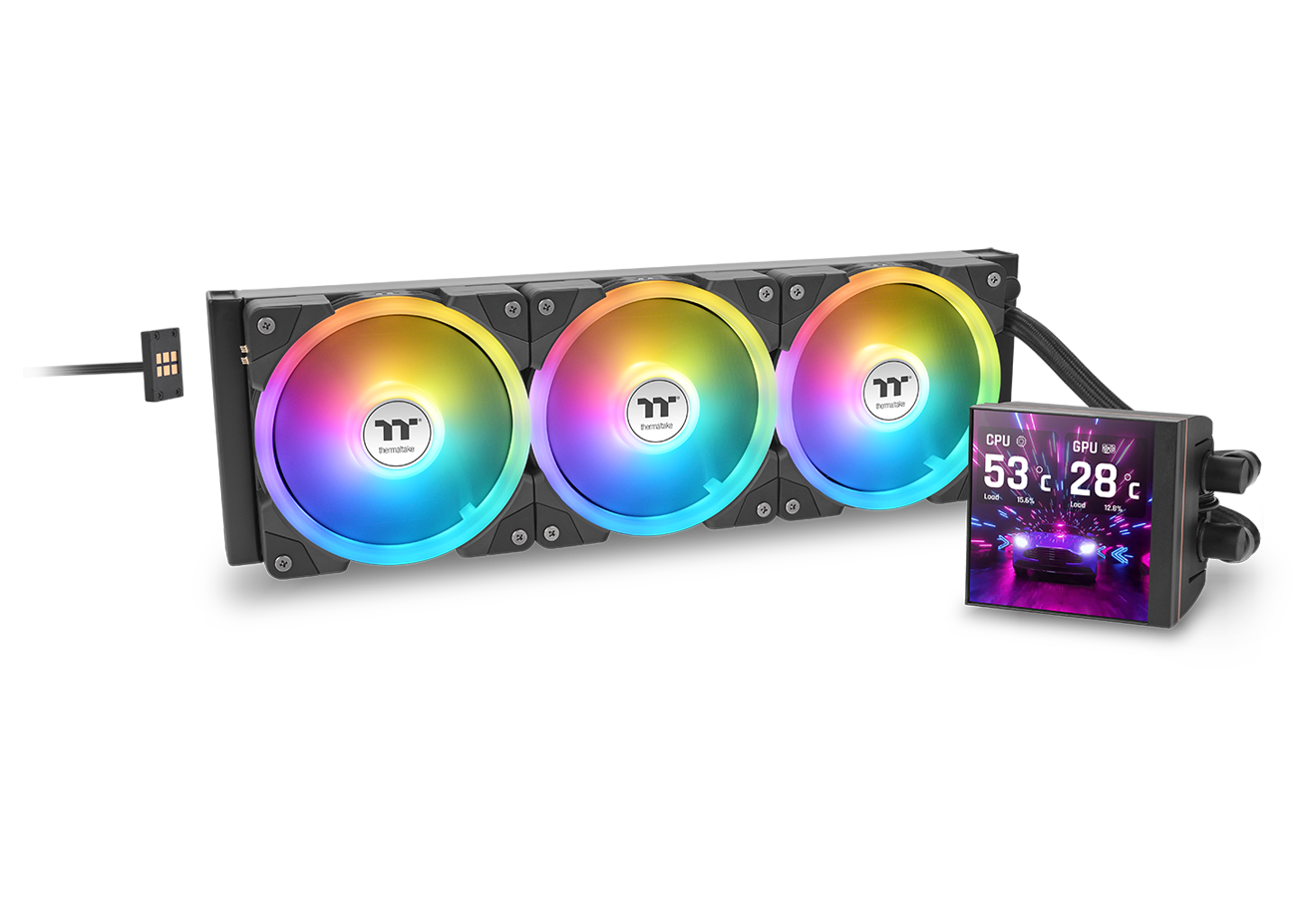
TT RGB PLUS 3.0 also supports LCD display-equipped products, allowing users to upload images or videos (JPG, GIF, PNG, MP4, MOV, AVI), present real-time system information, local weather and time, and personalize visuals via the newly introduced AI Forge feature. The companion TT PlayLink mobile app allows instant customization from your phone. It also offers six built-in dynamic background themes for quick setup and an immediate aesthetic boost.
With the LCD on display-equipped products, the TT RGB PLUS 3.0 software brings you AI Forge. Just type a prompt and instantly generate custom, high-quality background images. You don’t need external tools; backgrounds are created and saved directly within the software. Then you can freely edit, overlay system info, choose layout and colors, and express your personal aesthetic, making your build truly unique.
(Note: Feature availability depends on device compatibility.)


Don’t want to start from scratch? TT RGB PLUS 3.0 offers up to six dynamic preset background themes such as CityPunk, WeirdCore, VaporPunk, NeonPunk, Chinese Ink Painting and Minimalist. These ready-made styles give you a quick and easy starting point to define your system’s look. Available themes may vary by product. Use them to instantly apply a distinctive visual identity to your LCD display, ranging from bold neon cyberpunk aesthetics to sleek minimalist finishes.


With TT RGB PLUS 3.0 and the TT PlayLink app, customizing your LCD-equipped system on the go is easy. After you download the PlayLink app on your smartphone and scan the QR code displayed in TT RGB PLUS on your PC to pair the devices, you can upload pictures, animations, videos or even live-camera / streaming feed directly to your display without turning on your PC. This makes spontaneous creativity and fast visual updates readily accessible. Feature availability depends on hardware compatibility and device support.


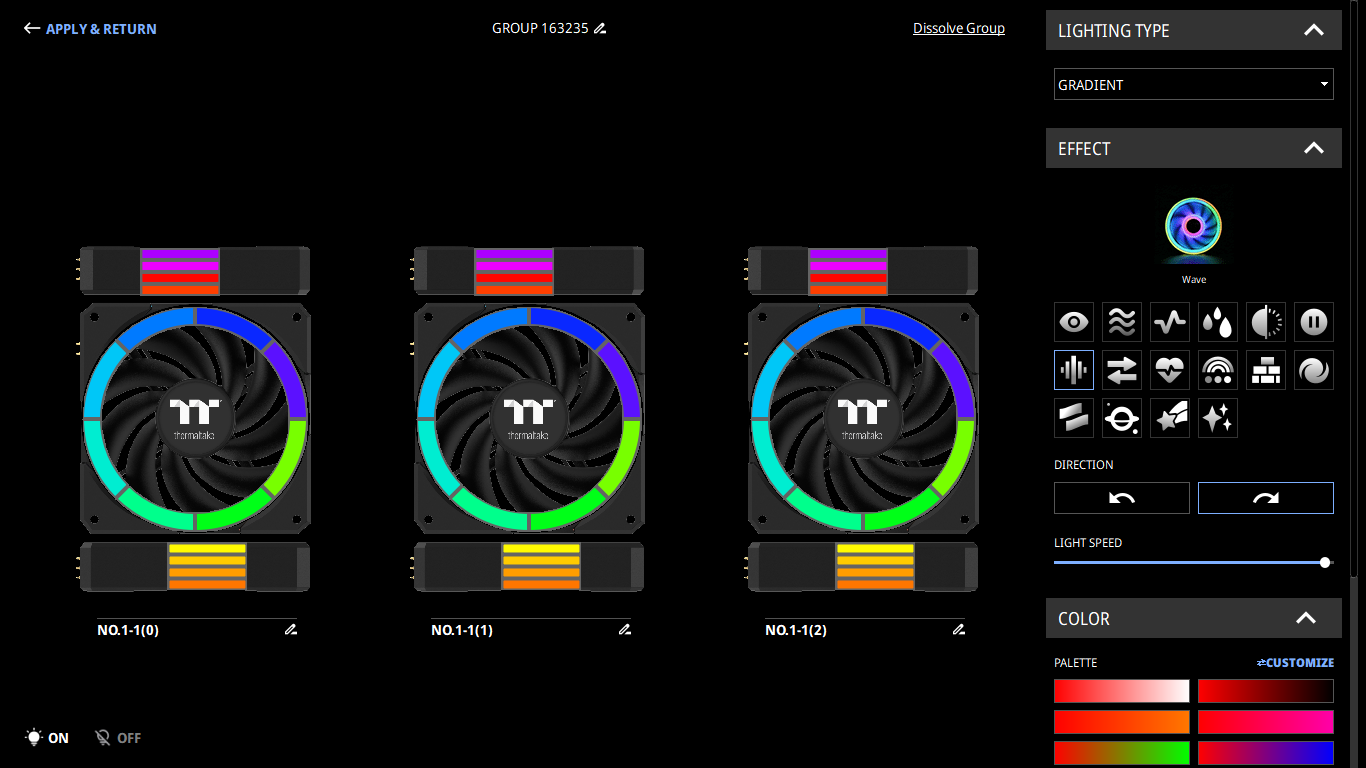
Light up every moment with up to 23 general lighting effects and more. You also have color adjustment options (Single, Random, Customize), two lighting directions (clockwise or counterclockwise), a lighting-speed slider, and a master on/off switch — giving you full control over the mood of your setup.
(Note: The available lighting effects may vary depending on the specific product model and its LED hardware support.)
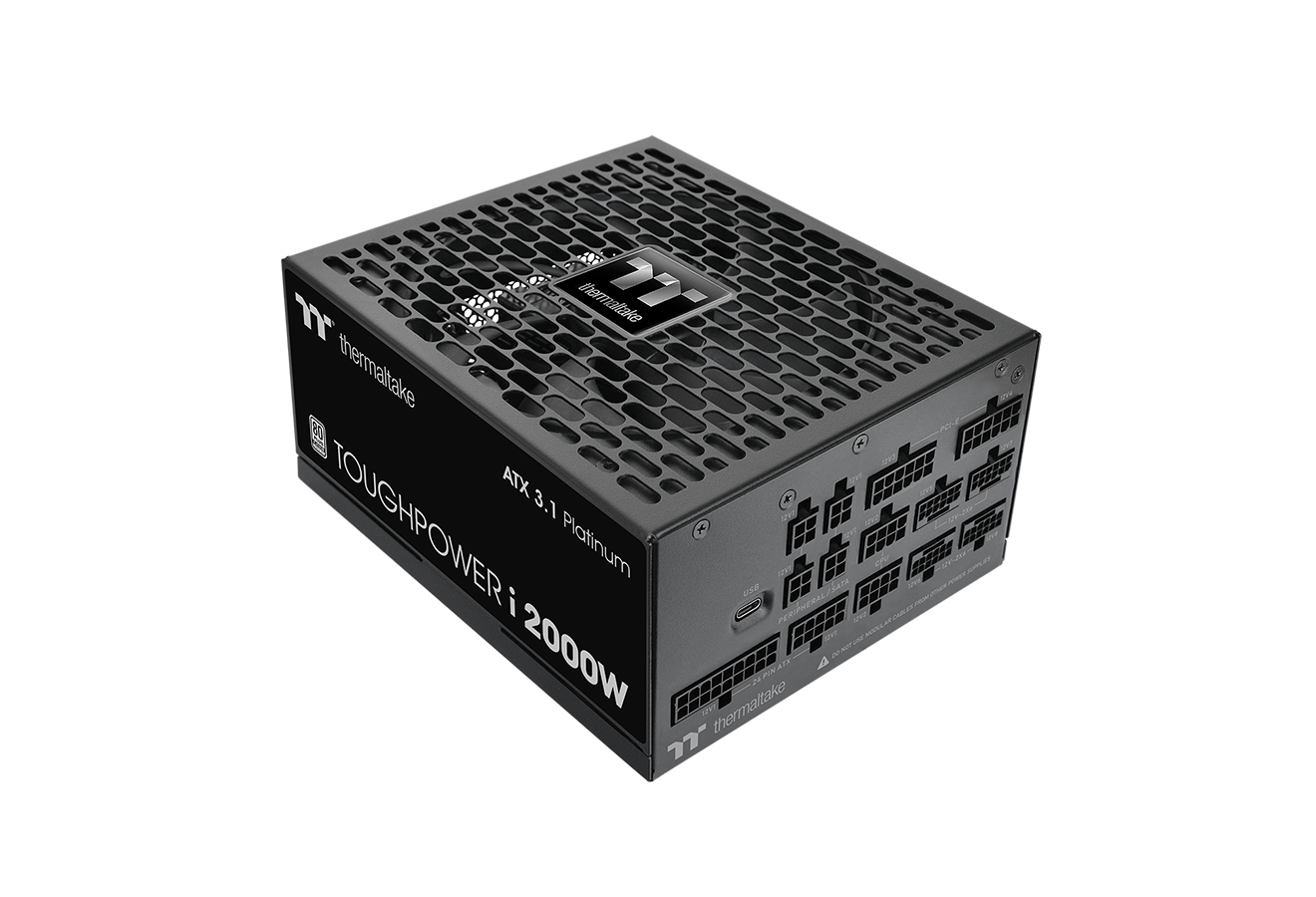
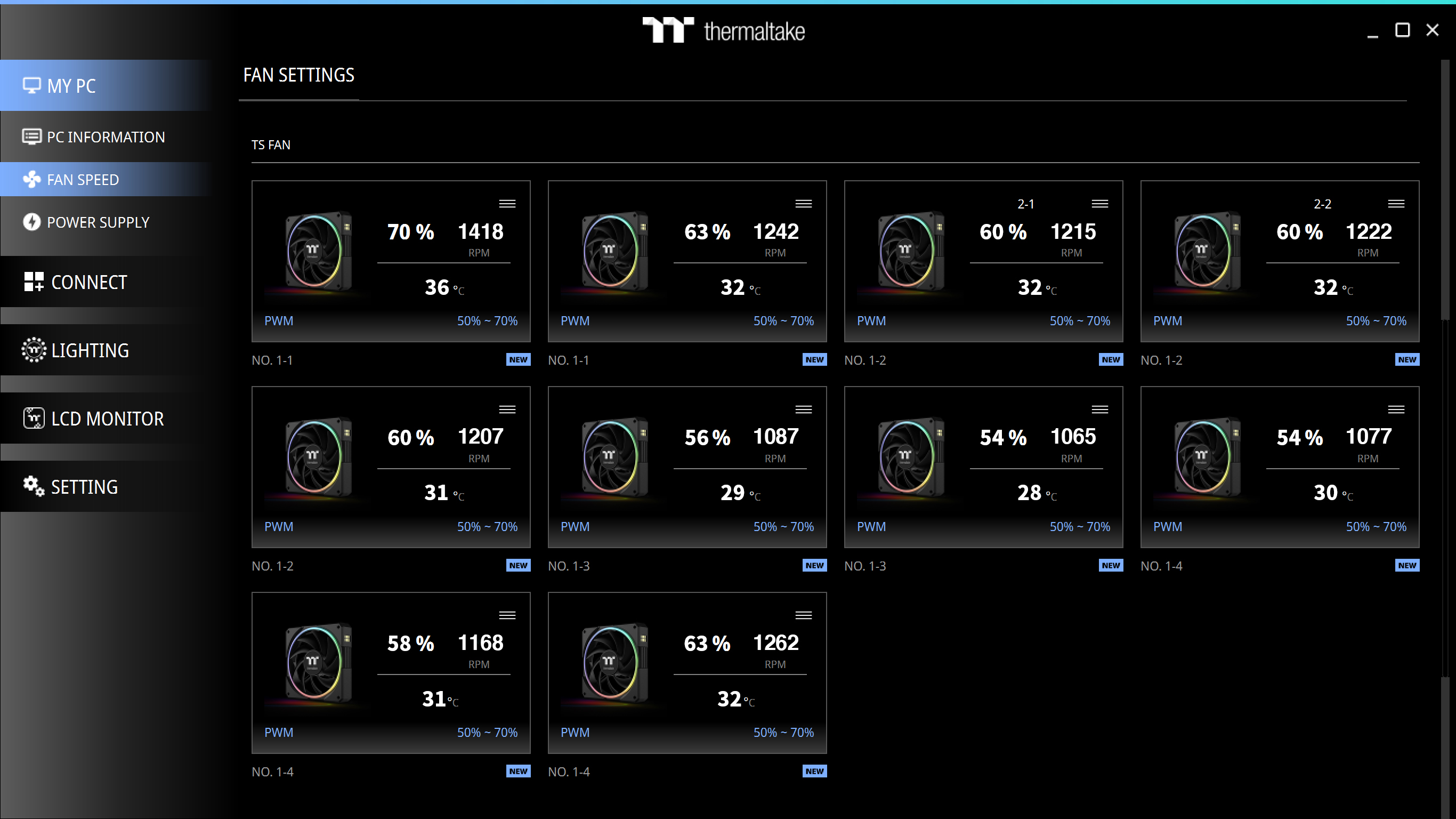
With TT RGB PLUS 3.0 you can easily monitor real-time PC data such as power supply status, fan speeds and temperatures. Feature availability depends on the installed hardware and device compatibility.
The new version of Thermaltake’s TT RGB PLUS patented software features a redesigned interface with dynamic lighting effects and PC monitoring functions.
DOWNLOAD SOFTWARE DOWNLOAD USER MANUAL
TT PlayLink simplifies customization of PC LCD screens and enables quick uploads and live-stream visuals from your smartphone.
AI Forge transforms your LCD into a creative canvas — generate backgrounds instantly using text prompts, combined with real-time system info.
AI Forge Setup Guide FAQ: AI Forge